01Start with what you need
The marketplace brings product listings into a familiar browsing experience. Choose a category, compare the information available and open the product that interests you. Photos, descriptions and prices help you decide what to explore next.
02Know the details before the next step
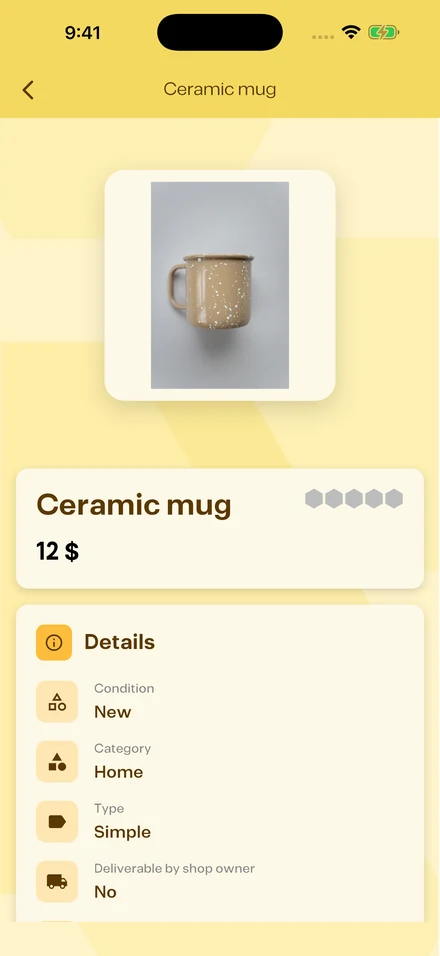
Product pages show the information provided by the seller, including the product’s condition, category and shop. Review the listing and any delivery or pickup options shown in the app before continuing. Availability is determined by the individual listing.
03Give your shop a home
Create a shop, add product photos and descriptions, and organize your catalog into sections. Keep your listings clear and current so customers can understand what you offer. Use related conversations and tasks to follow through on activity in the app.